
news · offer guide
Fire TV Stick Sideloading Scare: What You Need to Know Before You Buy
Worried about Downloader stopping on your Fire TV Stick? We look at the recent sideloading bug, what Amazon has confirmed, and smart tips for checking your streaming setup and hardware deals.
The Sideloading Scare That Rocked Fire TV Users
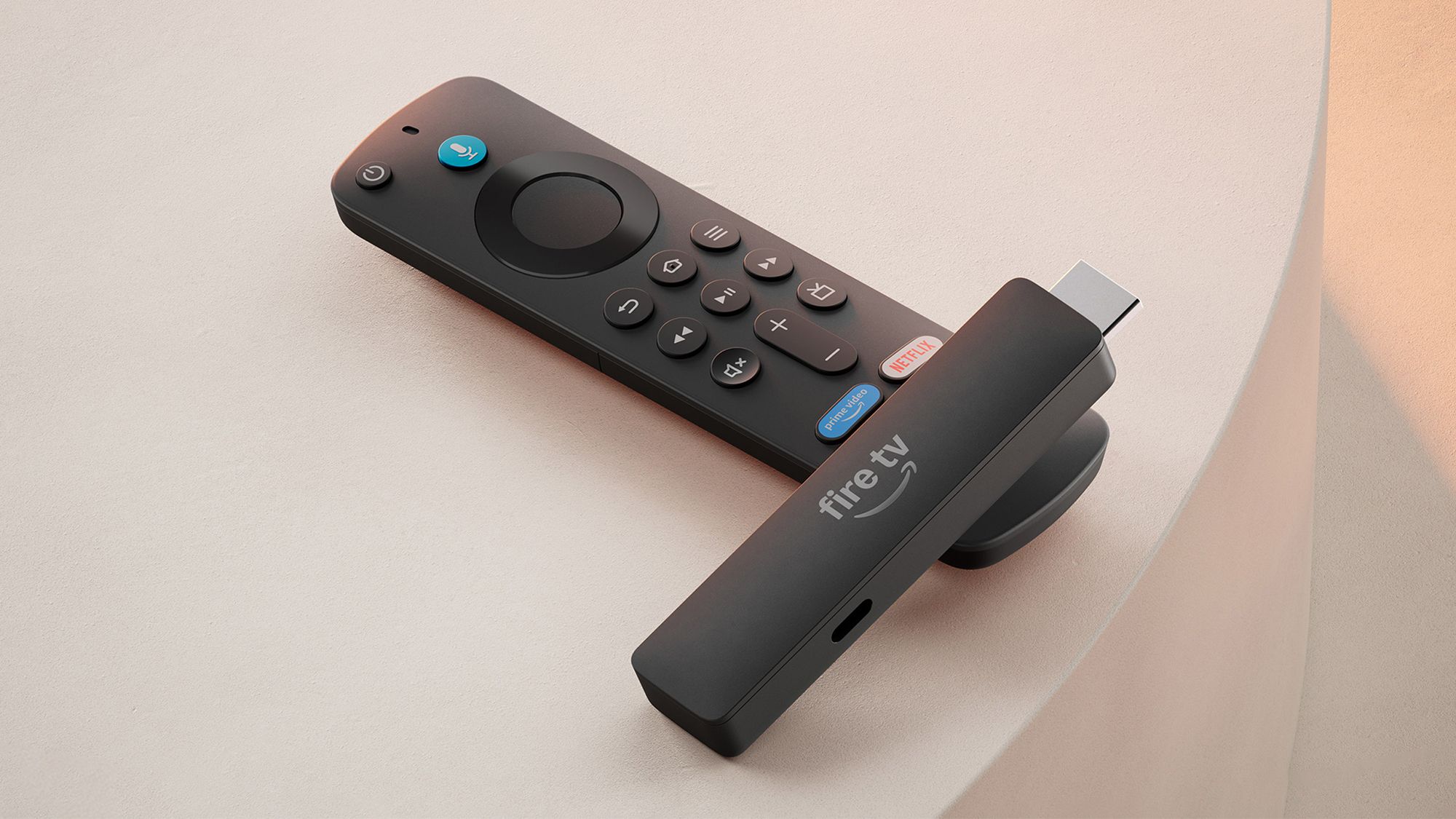
Over the last few weeks, the streaming community has been buzzing with anxiety. Users of certain Fire TV Stick models noticed that their favourite utility for sideloading applications, commonly known as Downloader, appeared to hit a brick wall. Panic quickly spread across forums and social media that Amazon was cracking down on third-party apps, effectively killing the flexibility that has long made these streaming sticks so popular among tech enthusiasts. However, it is crucial to take a breath before jumping to conclusions. Hardware and software ecosystems often experience unexpected hiccups after routine system updates. While a sudden restriction on your device can be deeply frustrating, a temporary glitch is entirely different from a permanent policy shift. Understanding the distinction between a bug and a deliberate corporate ban helps you make calmer decisions about your home entertainment setup without rushing into unnecessary replacements.
Amazon Confirms: A Fix Is Officially on the Way
The good news for anyone currently staring at a frozen download screen is that official clarification has arrived. Amazon has directly addressed the issue, confirming that the failure of sideloading features on older Fire TV models stems from an unintended software bug rather than a malicious plot to restrict user choice. According to the corporate communications, engineers are already rolling out patches to resolve the glitch. This means older generations of the Fire TV Stick are not being intentionally bricked or stripped of their versatile capabilities. If your device is currently affected, patience is your best ally. A routine background update should soon restore full functionality, bringing your favorite streaming utilities back to life without requiring complicated workarounds or technical wizardry.
Why Sideloading Flexibility Matters for Your Smart TV Setup
For many British households, the appeal of a Fire TV Stick goes far beyond standard mainstream streaming applications. The ability to sideload third-party software transforms an affordable HDMI dongle into a deeply customisable media center. Whether you want to manage local file servers, test unique interfaces, or install specialized utilities that aren't hosted on the official storefront, flexibility is key. When unexpected bugs disrupt these features, it highlights how much we rely on the seamless integration of hardware and software. It also serves as a reminder to check device compatibility and support lifecycles before investing in new tech. Knowing how a manufacturer handles post-launch support for older generations gives you invaluable insight into the longevity of your purchase.
Smart Shopping: What to Check Before Upgrading Your Streaming Stick
Whenever tech scares make headlines, impulsive shoppers often rush out to buy brand-new hardware to bypass supposed restrictions. Before you open your wallet and hunt for online deals, take a step back and evaluate your actual needs. Are you upgrading because your current streaming stick is genuinely failing, or are you reacting to a temporary software bug that the manufacturer is already fixing? When browsing online marketplaces for a new media player, always look past the flashy discount banners. Check the specifications, read up on recent firmware updates, and ensure the model you are eyeing has a strong track record for long-term software support. Making informed choices keeps your living room entertainment budget under control and ensures your next gadget purchase truly delivers value for money.
Affiliate Disclosure and Final Verdict
Navigating the world of online shopping and streaming technology can be overwhelming, but staying informed is your best defense against panic buying. Remember that software glitches happen across all major tech ecosystems, and manufacturers frequently deploy patches to restore normal operations. As Amazon affiliates, we may earn a commission from qualifying purchases made through links on our platform, helping us bring you independent guides and up-to-date tech insights. Rest easy, keep your Fire TV Stick connected to Wi-Fi to receive the upcoming patch automatically, and approach your next with a cool head and careful research.
As Amazon affiliates, we may earn a commission from qualifying purchases.